
For creatorsthe long video is already filmed

One recording.A week of posts.

Paste a podcast, stream, or YouTube link. Clip marks the moments worth posting, writes the on-screen captions, and hands you a cut for every feed.

Clip studio

Sample · 48-min interview

Host speaking on stage
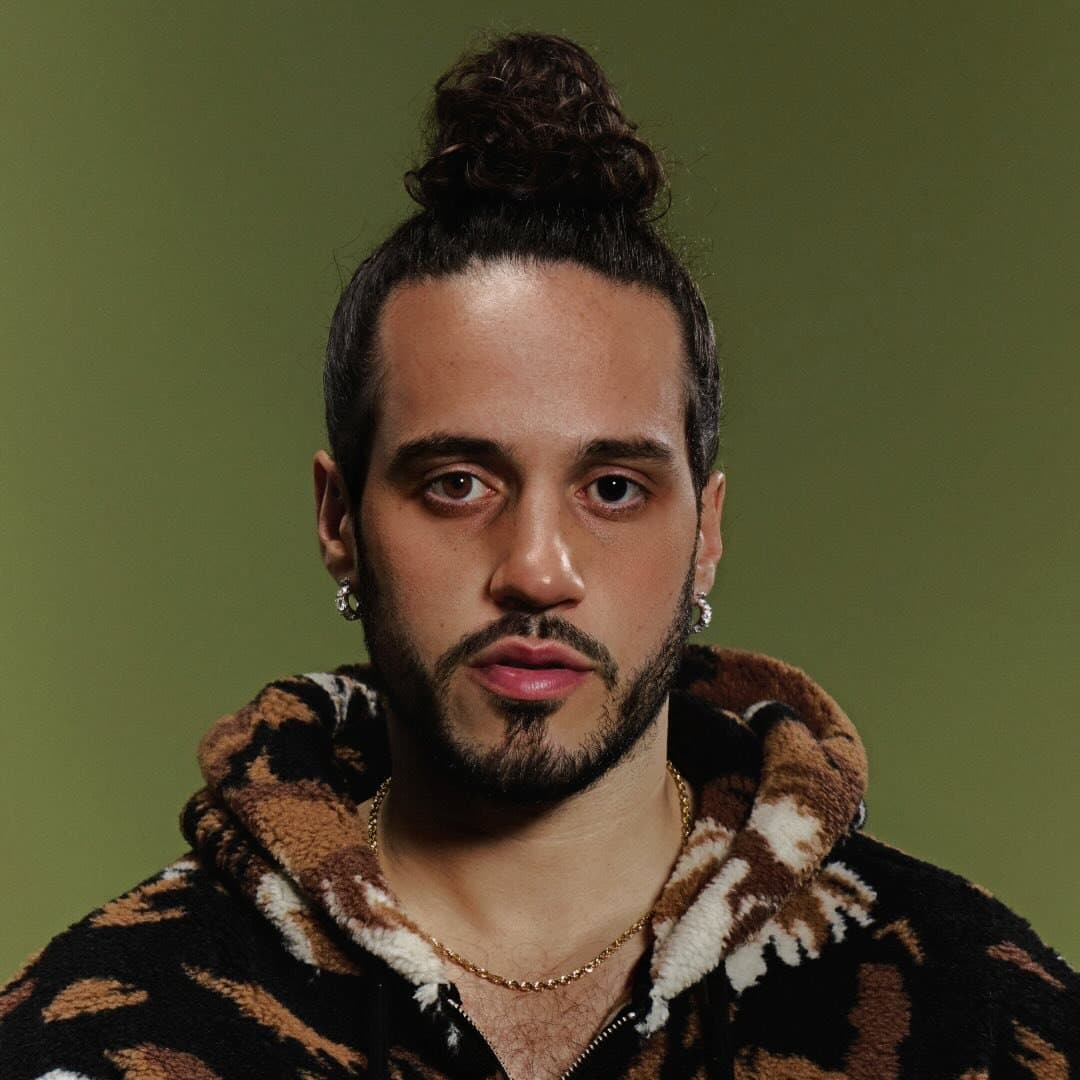
Creator close-up
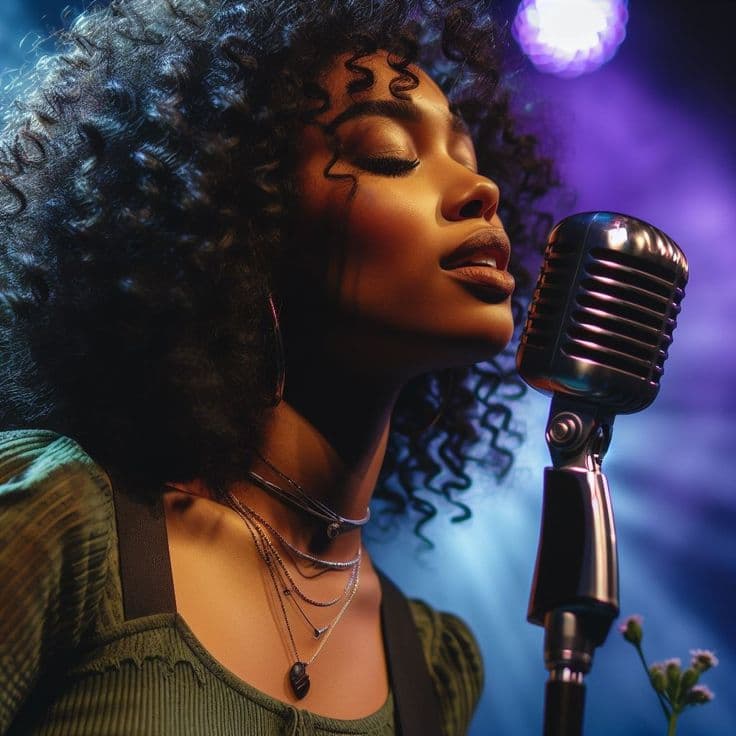
Singer at a microphone
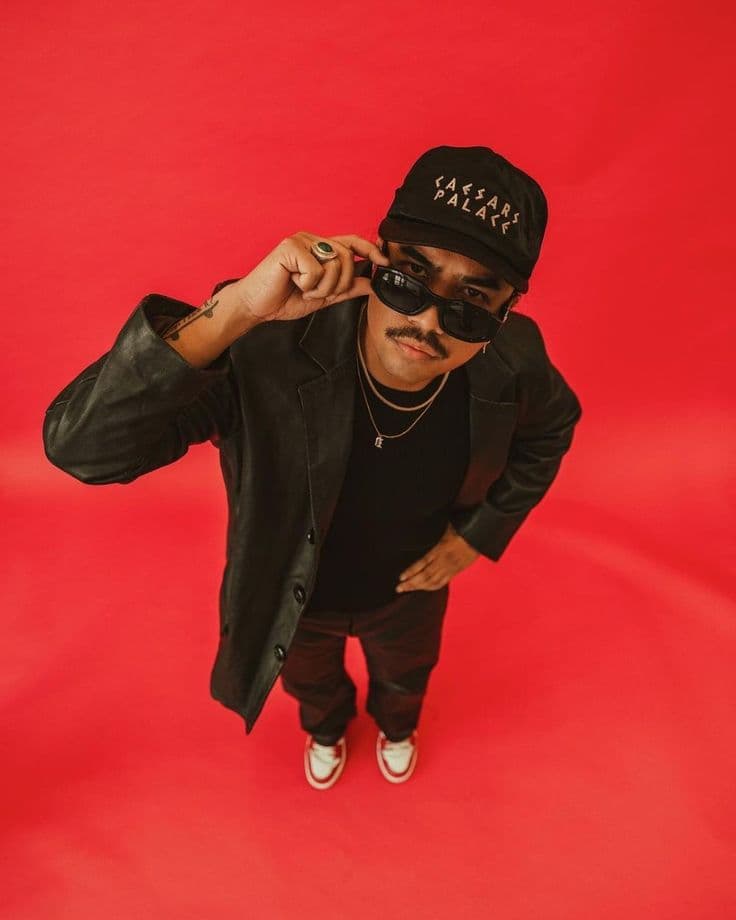
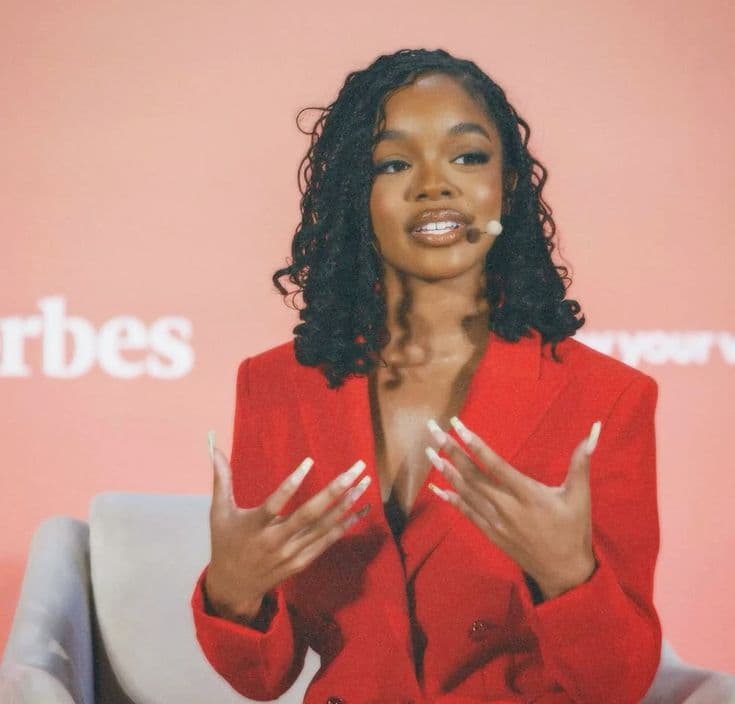
Portrait on a red backdrop
Artist portrait
Creator working outside
00:00Moments in blue48:12
TikTokInstagramYouTubeShortsXLinkedInFacebookTikTokInstagramYouTubeShortsXLinkedInFacebookTikTokInstagramYouTubeShortsXLinkedInFacebookTikTokInstagramYouTubeShortsXLinkedInFacebook
Creator close-up
Portrait on a red backdrop
Creator riding through the city
Host speaking on stage
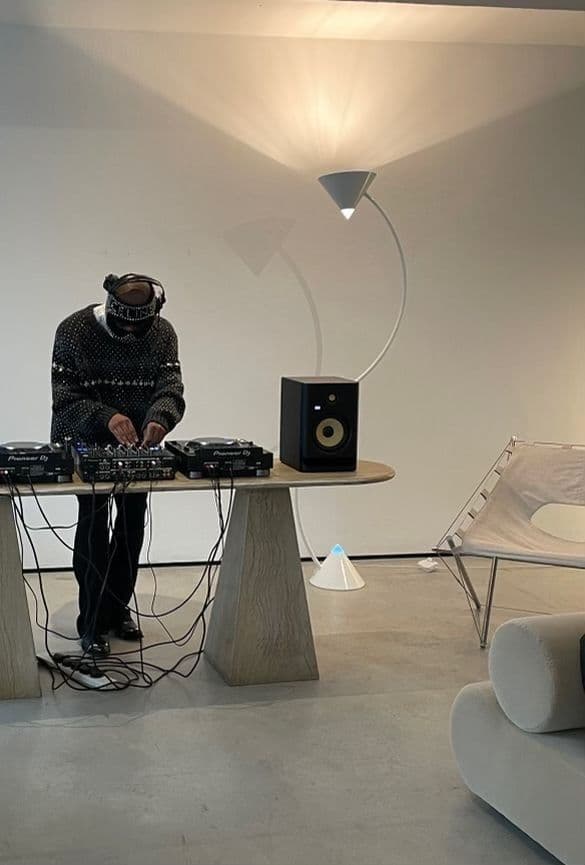
DJ at the decks
Singer at a microphone
Creator in a leather jacket
Producer at a console
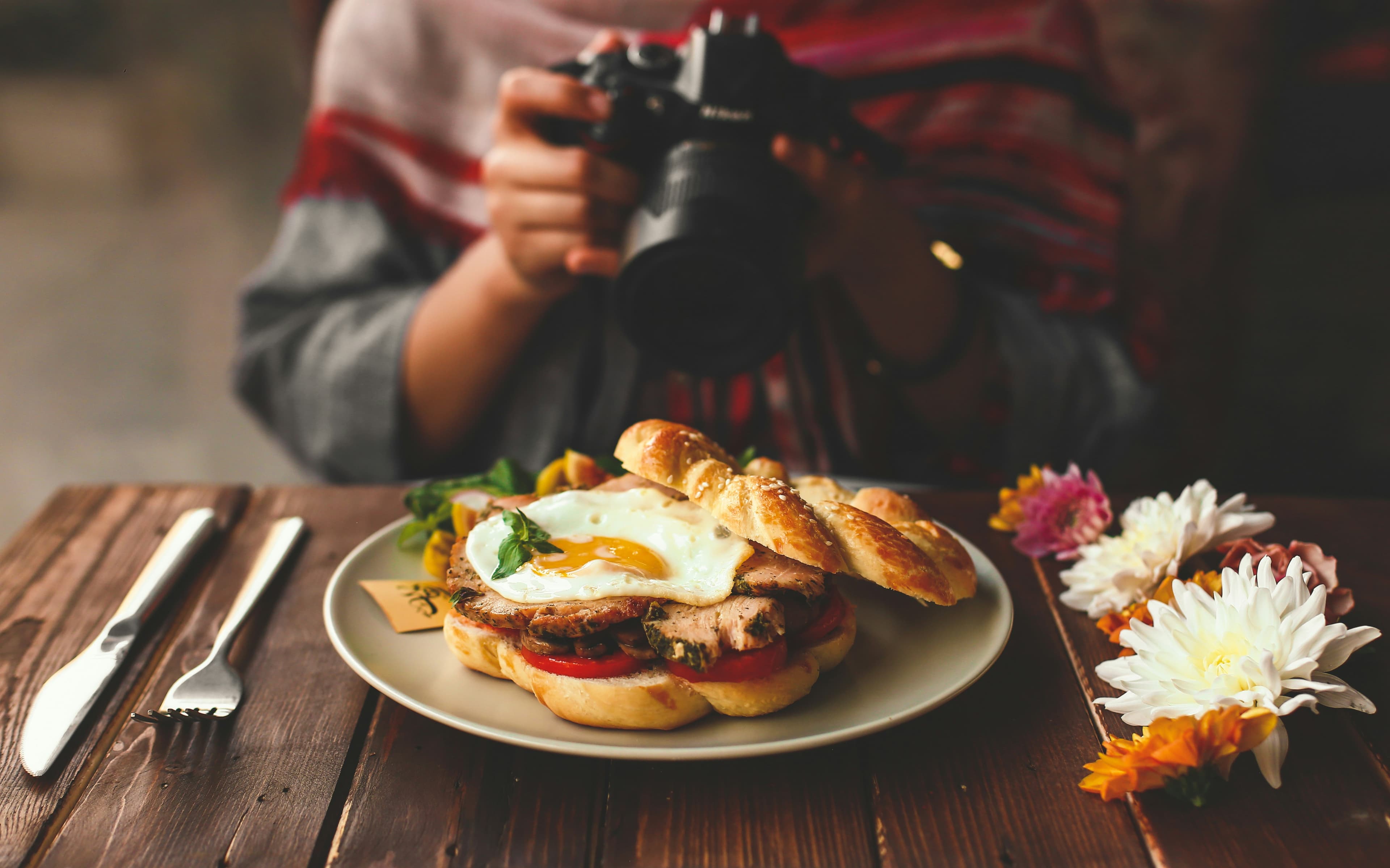
Food being photographed
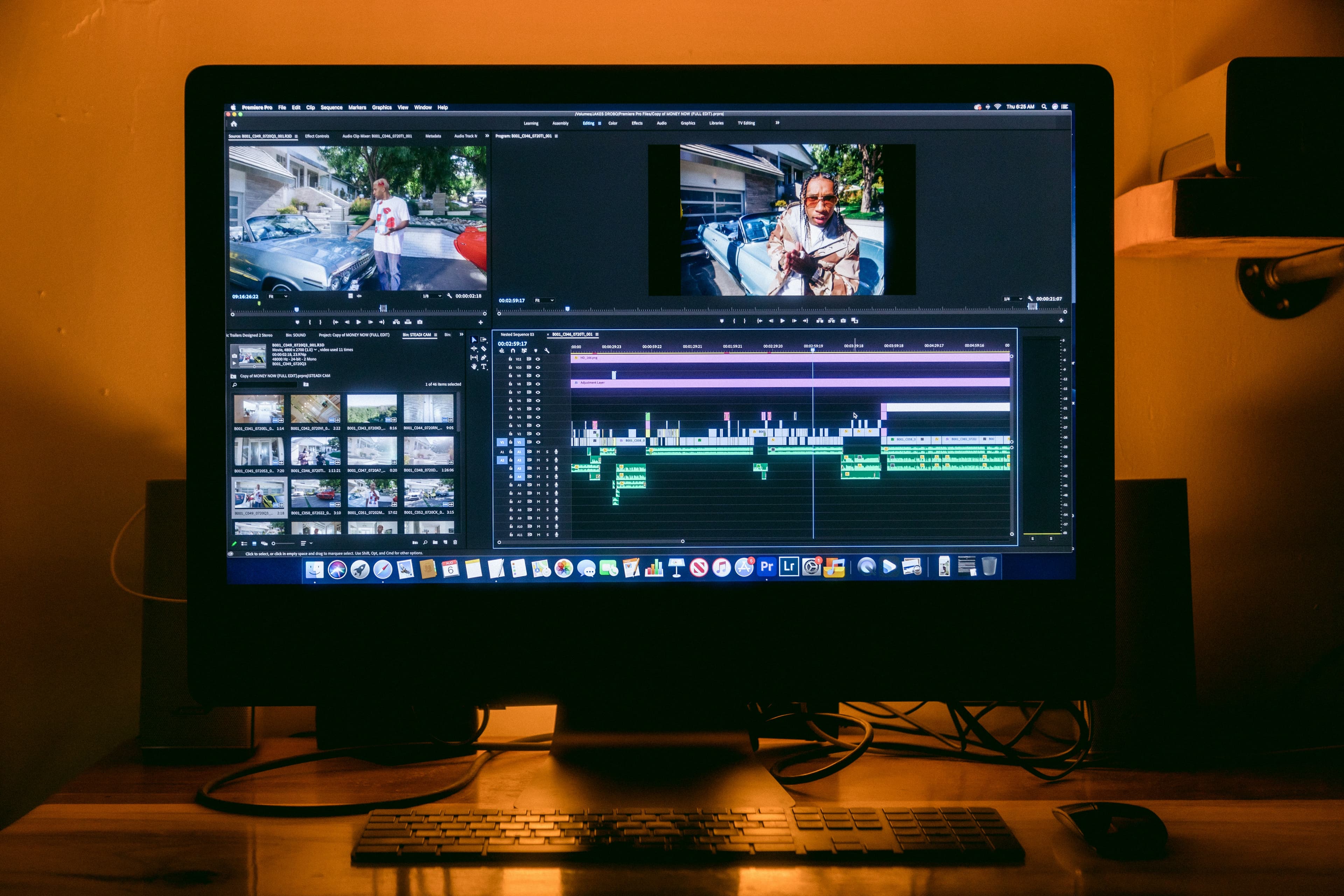
Edit bay with a timeline on screen
Model on a runway
Artist portrait
Beach travel still
Creator working outside
Product flat lay

8–15

postable cuts from a 45-minute episode

3 ratios

from the cut you already approved

You approve

before a file ever leaves the board

Product

The cut, the caption, and the frame. Together.

Moment radar

Lines are ranked by how hard they open, not by how long the speaker talked.
  • Host speaking on stage02:14

    Stop posting the whole episode.

    96
  • Creator riding through the city11:02

    I cut my posting time in half.

    91
  • DJ at the decks27:40

    Here's the cut I actually post.

    88
  • Portrait on a red backdrop36:18

    The caption does half the work.

    74

Captions that fit the frame

Two lines. A hard stop. Room for the platform buttons.

Vertical clip of a creator with a caption over the lower third

Stop posting the whole episode.

Speaker stays in frame

A wide interview becomes a vertical cut without losing the face.

Wide interview frame
The same interview cropped vertical so the speaker stays centered

Brand kit

Font, color, logo bug, and the end card you already use.

P

DM Sans

One approval, three files

Keep the cut once. The same frame goes out in the ratios each feed uses.

DJ clip framed as 9:169:16
DJ clip framed as 1:11:1
DJ clip framed as 16:916:9
TikTokInstagramYouTubeShortsXLinkedInFacebook

How it works

From the recording to the week.

  1. 01

    Bring the long video

    Paste the link you already sent your editor. Clip reads the talk, not just the loud parts.

    Edit bay with a timeline open on the monitor
  2. 02

    Keep what scores

    Open the high scores first. Rewrite a caption, change the ratio, or throw the clip out.

  3. 03

    Lay out the week

    Mon

    Host speaking on stage

    Tue

    Creator riding through the city

    Wed

    —

    Thu

    DJ at the decks

    Fri

    —

    Sat

    Singer at a microphone

    Sun

    —

Pricing

Pay for the hours you record.

Free

See if the cuts are worth posting.

$0/ month

No card to try the first hour.

  • 60 minutes of source each month
  • Up to 5 finished clips
  • 720p with a Payollar end card
  • Auto captions
Start free

Creator

Most creators

A posting week from every recording.

$19/ month

Billed yearly.

  • 8 hours of source each month
  • 1080p, no end card
  • Brand font, color, and logo
  • 9:16, 1:1, and 16:9 from one cut
  • A review link before anything posts
Clip as a creator

Studio

For shows that still have an editor in the loop.

$63/ month

Billed yearly.

  • 40 hours of source each month
  • 4 seats on one board
  • 4K files
  • Priority render
  • Client approval on the same link
Open a studio

Want a person to cut the week instead? Book a clipping team.

Questions creators ask first

A YouTube link, a podcast video, a stream recording, or a file you add after you sign in. The studio on this page is the same review step: score, caption, ratio, then approve.

Start with a link

The episode is done. The posts are not.

An edit bay with a timeline open on the monitor